

Most of what job seekers believe about applicant tracking systems (ATS) is wrong in the same direction: it makes the software sound like a robot judge that throws out your resume before anyone sees it. In practice, an ATS is mostly a filing and search tool that recruiters operate, and the real risks are unclear resumes and unmatched experience, not a hidden algorithm. If you are changing careers, that is good news, because clarity and relevance are things you can fix this week.
We built this guide for working adults in the U.S. who are applying for new roles and wondering whether the system is stacked against them. You will see which myths hold up, which do not, and what to do instead.
TL;DR
- An ATS stores, organizes and searches applications. Rejections usually come from a person or from a knockout question a recruiter set up, not from the software judging your resume on its own.
- The famous "75% of resumes are never seen by a human" figure traces back to a 2012 sales pitch with no published method.
- There is no single "ATS-friendly" template. A clean layout, clear headings, relevant keywords used naturally and concrete examples work for both software and people.
- Keyword stuffing and AI-generated, copy-paste applications can hurt you with the human reader.
- Career changers do best by translating past experience into the language of the target role, honestly and specifically.
Table of Contents
- What an ATS actually does
- Myth 1: The ATS automatically rejects most resumes
- Myth 2: "75% of resumes are never read by a human"
- Myth 3: Keywords decide everything
- Myth 4: Columns, PDFs and creative formatting always get you rejected
- Myth 5: There is one ATS-friendly resume, and a perfect score proves it
- Myth 6: AI-written resumes beat the system
- What this means if you are changing careers
- Myth versus reality at a glance
- Where NueCareer fits
- Perspective
- FAQ
- Sources
What an ATS actually does
An applicant tracking system is software that employers use to post jobs, collect applications and move candidates through hiring stages. Think of it as a database with a workflow on top. Our guide to what an ATS is walks through the basics if you want the full picture.
The technical piece job seekers worry about is parsing. According to Workday's U.S. documentation, a parsing engine reads the text of your document and pulls out details such as education, skills and work history into a structured profile. That profile is what a recruiter then searches, sorts and reads.

Two things follow from that. First, the software is mainly trying to read your resume, not to score your worth. Second, what it reads is text, so the clearer and more standard your text, the better the profile it builds.
Myth 1: The ATS automatically rejects most resumes
The reality: Automatic rejection exists, but it is narrower than the myth suggests, and a person sets it up.
A Virginia Tech career services post quotes Christine Assaf saying she has never seen an ATS that auto-rejects based on keywords. The same piece explains that rejections are usually about qualifications, timing or competition, and that the one automatic route is a knockout question a recruiter programs in.
Knockout questions are the yes-or-no items inside an application, such as "Are you legally authorized to work in the United States?" or "Do you hold the required license?" A recruiter who worked with Greenhouse described to Business Insider how candidates could be rejected or flagged on knockout answers such as work authorization, but no one was filtered out by keywords or formatting. Her summary: if 1,000 people applied, she saw 1,000 applications.
So the practical lesson is simple. Answer every screening question accurately and read each one before you click submit. A wrong checkbox on a license or location question does more damage than any font choice.
Myth 2: "75% of resumes are never read by a human"
The reality: The statistic has no research behind it.
The Conversation reports that the 75% figure originated in a 2012 sales pitch from Preptel, a resume-optimization company that went out of business the following year, and that no methodology was ever published. The number has been repeated for over a decade because it is dramatic and because it sells resume advice.
Why does it still feel true? Because most applications do not lead to interviews. But that is a competition problem. A popular posting can draw hundreds of applicants for a handful of interviews, and many of them do not meet the basic requirements. Silence after applying is the normal outcome of a crowded process, not proof that software buried you.
This matters for your energy. If you believe a robot is rejecting you, you will keep tweaking fonts. If you understand it is mostly a relevance and competition issue, you will spend your time on the part you control: choosing better-aligned roles and showing your fit clearly. Our application targeting strategy piece shows how to pick roles worth your time.
Myth 3: Keywords decide everything
The reality: Keywords help people find and judge you. They are not a pass-or-fail gate.
Some systems can be set up to rank or filter by keywords, and recruiters can search a candidate pool for terms. But the Virginia Tech piece says keyword-based auto-rejection is highly unlikely and that most recruiters review resumes themselves. Keywords still earn their place: they help a recruiter see quickly that your experience matches the job description.
The Business Insider recruiter said she could search for keywords manually, but that did not remove applications that lacked them. Her test was whether a reasonable person would conclude the candidate could do the job. She added that when she sees a keyword-stuffed resume, she does not treat it as a red flag but as a sign the person was never given the right information. Using her own approach, she landed interviews with more than 12 companies in under three months and was hired to recruit at a tech company.
Here is what that means for your resume:
- Mirror the job's language where it is true. If the posting says "stakeholder communication" and you did that under the name "client updates," use their phrase.
- Put keywords inside real sentences. "Led weekly stakeholder communication across three departments" beats a block of comma-separated terms.
- Skip hidden text and keyword dumps. They do nothing for a human reader and can make you look careless.
Our resume keywords workflow breaks down how to pull the right terms from a job posting without overdoing it.
Myth 4: Columns, PDFs and creative formatting always get you rejected
The reality: Modern systems read many layouts. But simple still wins, because the goal is a clean text profile.
The Conversation notes that modern ATS tools can extract information from common layouts, including columns or tables, though they are designed to process text rather than images, graphics or icons. That gives us a sensible rule: do not put important information inside a picture, icon or graphic.
For a cautious, official baseline, the Social Security Administration's Choose Work! guidance suggests:
- Avoid pictures, tables, columns, text boxes and graphics.
- Use standard fonts at 10 to 12 points.
- Bold your section names rather than relying on special header elements.
- Save as PDF or DOCX.
- Use keywords naturally.
Notice that PDF and DOCX are both acceptable. The old claim that PDFs are automatically rejected is not supported. If a posting asks for a specific file type, follow the posting. If it does not, a standard DOCX or text-based PDF is a safe choice.
The point of this list is not that columns are forbidden. It is that every element you add is a small risk with no payoff. A one-column layout with plain section headings (Summary, Experience, Skills, Education) is easy for software to parse and easy for a recruiter to skim in seconds. For a deeper look at the structures recruiters see most often, our resume format guide compares the main types, and the same logic of readable structure for both software and people appears in this overview of resume format types for ATS.
If your background does not follow a straight line, a hybrid resume format can lead with skills and still keep your work history in a clean, standard order. That is especially useful when you are changing fields.
Myth 5: There is one ATS-friendly resume, and a perfect score proves it
The reality: There is no universal ATS-friendly resume. There are many systems, and employers configure them differently.
The Conversation's advice is to aim for a clean, readable resume with clear headings, relevant keywords and concrete examples. That is a target, not a template you can download once and use for every job.
This is also why you should treat any numeric "ATS score" as a rough checkup, not a verdict. A scoring tool can be useful for catching real problems: missing section headings, text that did not extract, an unreadable layout. It cannot tell you what a particular employer's system will do or what a particular recruiter will think. Chasing 100 out of 100 can pull you toward stuffing terms you cannot back up in an interview.
Use a checker the way you would use spellcheck. Fix what is clearly broken, then put your attention back on the content. Our ATS Resume Checker is one of the tools we offer for exactly that kind of readability check, and our ATS-friendly resume guide covers the single fix that matters most.
Myth 6: AI-written resumes beat the system
The reality: Generic AI output tends to blend in, and the people reading it notice.
The Conversation, citing survey findings, reports that 74% of hiring managers say they can identify AI-generated applications and 80% view them unfavorably. It also points out that as more candidates use the same tools and prompts, AI-generated applications may stop being a competitive advantage at all. Those are survey results from hiring managers, so treat them as a signal about perception rather than a precise detection rate.
The useful takeaway is not "avoid AI." It is "avoid sounding like everyone else." AI is a strong drafting and tailoring assistant when you feed it your real accomplishments, numbers and context, and then edit the result so it sounds like you and every claim is one you can defend. Our step-by-step guides on resume tailoring with AI and the 20 to 40 minute tailoring routine show how to keep a human check in the loop.
What this means if you are changing careers
Career changers feel the ATS fear most. You are worried that your job titles do not match, so the system will pass you over. Here is the calmer way to think about it.
A recruiter searching or skimming is asking one question: could this person do this job? Your task is to make the answer easy to see.
- Pick a target role first. A resume aimed at nothing in particular is the hardest to read. Decide on one to three related job titles and write toward them.
- Translate, do not exaggerate. Rename your experience in the target field's vocabulary where it is accurate. A teacher who "designed curriculum and tracked student progress" can honestly describe project planning, data tracking and stakeholder communication.
- Lead with a short summary. Two or three lines that name your target role and your strongest relevant proof. Our resume summary examples show how for different situations.
- Use concrete numbers. Team size, budget, time saved, customers served. Short, achievement-focused bullets are easier to scan than paragraphs.
- Tailor each application lightly. Match the posting's top requirements to your real experience. Do not rebuild from scratch every time.
- Answer screening questions carefully. This is where automatic rejection actually lives.
- Keep a tracker. Knowing which version went where makes follow-ups and interview prep easier. Our guide to tracking job applications covers a simple setup.
Myth versus reality at a glance
| Myth | What the evidence shows | What to do |
|---|---|---|
| The ATS rejects most resumes automatically | Automatic rejection is mainly knockout questions a recruiter sets, such as work authorization | Answer screening questions accurately |
| 75% of resumes are never read | The figure came from a 2012 sales pitch with no published method | Focus on fit and clarity, not fear |
| Keywords are a pass-or-fail gate | Keywords help recruiters judge fit; stuffing does not help | Use the posting's language naturally |
| PDFs and columns are always rejected | Modern systems read many layouts but process text, not graphics | Keep it simple, one column, standard headings |
| One perfect ATS template exists | Systems and employer settings differ | Aim for clean, readable and specific |
| AI-written resumes beat the system | Many hiring managers say they can spot generic AI applications | Use AI to draft, then add your own proof |
Where NueCareer fits
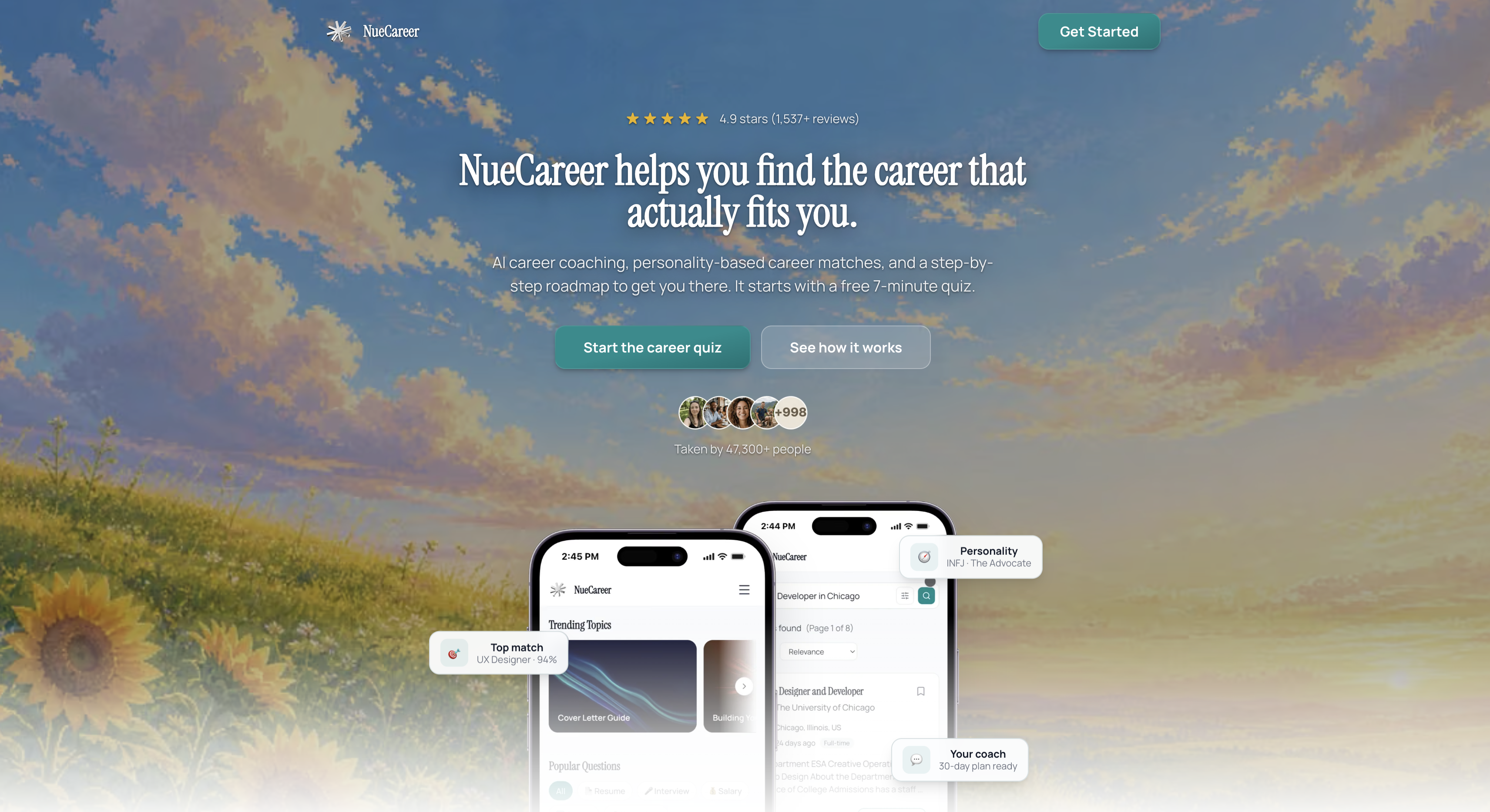
Most resume advice starts at the document. For a career changer, the harder question comes earlier: which roles are worth applying to at all? The 7-minute NueCareer quiz helps you identify your strengths and matches you to career paths built around who you are, including careers you may never have considered. From there, our platform gives you a personalized roadmap, 24/7 coaching chat and job boards tailored to your target roles.
When you are ready to apply, the built-in resume and cover letter tools, along with the ATS Resume Checker, help you start applying with confidence. You can take the 7-minute career quiz to see where your strengths point, or explore the full set of NueCareer tools.
Perspective
We hear the same worry from people changing careers: "My resume will never get past the system." We understand it, because the internet repeats it constantly. But we think it points your effort in the wrong direction.
The software is a filing cabinet with a search bar. The decisions are made by people, and those people are asking whether you can do the job in front of them. That is a question about clarity and alignment, not about tricking an algorithm.
That is why we start with you, not the document. When you know your strengths and the roles that fit them, your resume has something specific to say, and keywords, formatting and tailoring become much easier. Our quiz, roadmaps, coaching chat and application tools are designed to work together for that reason.
Be kind to yourself in this process. A quiet inbox is rarely a verdict on your worth. It usually means the role was crowded or the fit was not obvious yet, and both can be improved.
Shane
FAQ
Does an ATS automatically reject resumes?
Only in specific cases. A recruiter can program knockout questions, such as work authorization or a required license, and those can reject or flag an application. A Virginia Tech career post quotes an expert who has never seen a system that auto-rejects on keywords alone.
Do I need to use a special ATS-friendly template?
No single template works everywhere. Aim for one column, standard section headings, a standard font at 10 to 12 points and no text locked inside images, as Social Security's Choose Work! guidance suggests. DOCX or PDF are both acceptable unless the posting says otherwise.
How much does an ATS score matter?
Treat it as a readability checkup, not a verdict. A score can reveal real problems like missing headings or text that did not extract, but it cannot predict how a specific employer's system or recruiter will respond. Fix the obvious issues and then focus on relevance and concrete achievements.
Does an ATS detect AI-written resumes?
The more useful question is whether a person will think your application sounds generic. A survey reported by The Conversation says 74% of hiring managers say they can identify AI-generated applications. Use AI for drafts and tailoring, then add your own numbers, examples and voice.
Should I stuff keywords into my resume?
No. Keywords help a recruiter see your match, but lists of terms without evidence read poorly. Use the posting's wording inside honest, specific bullet points.
Sources
- What Is an Applicant Tracking System? Your Questions Answered (Virginia Tech Career Services)
- Résumé Scanners, ATS Tools Could Be Failing Applicants (Business Insider)
- What everyone gets wrong about the modern job search (The Conversation)
- How to Make Your Resume Applicant Tracking System Friendly (Social Security Administration, Choose Work!)
- What is an Applicant Tracking System? (Workday US)