
Resume Keywords: 10 Keyword Workflow From Quiz to ATS Check

Follow a repeatable 10 keyword workflow: take a quick role quiz, harvest exact posting terms, place them in summary and skills, then run an ATS check.
Resume keywords are the specific words and phrases from a job posting that describe required skills, tools, titles, and responsibilities. The single most useful thing you can do right now is open the posting you want, highlight every repeated skill, tool, and title, and build a short list of up to 10 truthful terms. That list is what helps applicant tracking systems match your resume and helps a hiring manager see your experience as relevant in seconds.
TL;DR:
- Prioritize keywords that appear repeatedly across similar job postings, focusing on relevant skills, titles, and certifications that you can confidently support in an interview.
- Place your top keywords in your summary, experience bullets, and skills section, using exact phrasing from the job posting to ensure proper parsing by applicant tracking systems.
- Use strong action verbs paired with specific skills or tools to describe accomplishments, avoiding vague buzzwords and keyword stuffing that can harm your credibility.
- Be aware that job titles and certifications often carry more weight than they seem and should be included only if you can verify your experience in an interview.
- Run your resume through ATS checkers and review feedback from colleagues to ensure your keywords are effectively registered and your formatting avoids hidden traps.
Table of Contents
- What counts as a resume keyword: categories that matter
- Where to find the right keywords
- How to pick about 10 priority keywords and place them
- Action verbs and short keyword examples by role
- Common keyword mistakes and formatting pitfalls
- How NueCareer's tools map to this workflow
- A practical note on tailoring over templates
- Try the quiz and the ATS checker to put this into practice
- FAQ
- Sources
What counts as a resume keyword: categories that matter
Not every keyword carries the same weight. Knowing the categories helps you hunt efficiently instead of guessing.
- Hard skills: technical abilities, named software, and specific systems, like SQL, Salesforce, or AWS.
- Certifications and credentials: PMP, CPA, or HIPAA training, when the role actually requires them.
- Job titles: the exact title used in the posting, which often carries more search weight than a generic label.
- Responsibilities and methodologies: terms like "customer onboarding," "financial modeling," or "Agile," according to CareerOneStop's guidance on current hiring practices.
- Soft skills, when supported: leadership or collaboration, but only paired with a concrete example.
Job titles and certifications tend to matter more than they look. A system parsing resumes at scale is often hunting for the title and credential first, because those terms narrow the applicant pool quickly. The rule that matters most here: only use a keyword if you can back it up in an interview. A truthful match beats a padded list every time.
Where to find the right keywords
The job posting itself is the best and most reliable source. CareerOneStop's resume overview points job seekers back to the specific posting rather than generic keyword banks, because exact phrasing matters more than synonyms.
- Start with the posting. Highlight every qualification, responsibility, tool, and job title mentioned.
- Check the company's own site. Look at team pages or the "about" section for language the employer uses internally.
- Scan two or three similar postings. Note which terms repeat across listings. Repetition is a signal of priority.
- Review relevant LinkedIn role descriptions. These often echo the internal language used by recruiters at similar companies.
- Classify each term. Mark it "must-have" if it appears in the qualifications section, or "nice-to-have" if it only shows up once in the responsibilities.
Pro Tip: Keep a simple spreadsheet with one column for the exact phrase and one for how many postings used it. Frequency is your best clue to priority.
This harvesting step is where most people rush. Taking fifteen minutes to markup a posting carefully saves far more time later, because your keyword list becomes the backbone for your summary, your skills section, and your bullet points.
How to pick about 10 priority keywords and place them
Once you have your harvested list, narrow it down. CareerOneStop's guide to targeting your resume recommends identifying the target role, collecting repeated terms from the posting, and selecting roughly 10 of the highest-priority, truthful terms to guide the rest of your edits.
- Identify the role clearly first. A vague sense of "something in marketing" produces a vague keyword list.
- Collect repeated terms from your harvesting step and rank them by how often they appeared.
- Choose about 10 terms that you can honestly support with real experience.
Placement matters as much as selection. Put your highest-priority terms in your summary or profile section, since that's the first thing both a parser and a person read. Work two or three into your top experience bullets under your most recent role. List 8 to 12 relevant skills in a dedicated skills section, spelled exactly as the employer wrote them (write "SQL," not "Structured Query Language," if that's what the posting uses). Add certifications and credentials to their own labeled section so they're easy to find.
Pro Tip: Use standard section headers like "Experience" and "Skills" rather than creative labels. Parsers look for conventional headings, and creative ones can get your content skipped entirely, a point echoed in partner guidance on ATS keyword placement.
Before you call it done, get a second set of eyes on it. CareerOneStop specifically recommends asking at least two people to review a tailored resume for clarity and errors, then running it through an ATS check to confirm your keywords actually register.

Action verbs and short keyword examples by role
Keywords land harder when a strong verb carries them. UCLA Career Development's active verb list recommends opening bullets with specific action verbs like "achieved," "designed," or "streamlined" rather than passive phrasing, and pairing that verb with a skill or tool plus a result.
Resume action verb is the general term. Here's how it works by role:
- Customer service: resolved, de-escalated, CRM, ticketing software, retention.
- Administrative: coordinated, scheduled, calendar management, vendor communication.
- Marketing: launched, SEO, campaign analytics, content strategy, HubSpot.
- Tech and data: built, Python, SQL, automated, data pipeline.
- Healthcare: administered, HIPAA, patient intake, EMR systems.
Yale's resume action verb lists organize verbs by category, achievement, communication, analysis, and leadership, which makes it easier to avoid repeating the same word five times on one page.
Three compressed examples:
- "Automated monthly reporting in Excel, cutting preparation time for the finance team."
- "Managed a 40-ticket daily queue in Zendesk while maintaining customer satisfaction scores."
- "Led onboarding redesign for new hires, shortening ramp-up time across two departments."
A university career center's take: action verbs matched with concrete accomplishments, not vague duties, are what separate a memorable resume from a forgettable one, according to Yale's guide to resume action verbs.
Common keyword mistakes and formatting pitfalls
A few habits quietly undercut even a well-researched keyword list.
- Buzzwords without proof. "Team player" and "results-oriented" say nothing on their own. Replace them with a specific accomplishment, like "Implemented a new scheduling workflow that reduced missed appointments."
- Keyword stuffing. Repeating the same term five times in one section reads as unnatural to a hiring manager and can flag as manipulation in some filters.
- Hidden formatting traps. Text inside images, tables, headers, or multi-column layouts often doesn't parse correctly, meaning strong keywords never get read at all.
- Unsupported claims. A keyword you can't speak to in an interview creates more risk than it's worth.
How NueCareer's tools map to this workflow
Each step in this guide has a tool built for it. The 7-Minute Career Quiz clarifies your target role before you even open a job posting, which makes your keyword harvesting sharper from the start. From there:
- Use the resume action verb library to pair your keywords with strong, specific verbs by category.
- Reference resume summary examples to see how priority keywords read naturally in an opening section.
- Run your draft through the free ATS Resume Checker to confirm your terms are actually readable by a parser.
Pro Tip: Treat the quiz-to-checker path as a loop: clarify the role, build your 10-keyword list, draft your bullets, then check and revise before you submit.
A practical note on tailoring over templates
Generic keyword lists feel efficient, but they rarely survive contact with a real job posting. The resumes that actually get interviews are the ones built from the specific language of one listing, not a recycled list used for twenty applications. If you take one thing from this guide, pick a single posting today and run it through the 10-keyword workflow before you touch anything else.
— Shane
Try the quiz and the ATS checker to put this into practice
Reading about keywords only gets you so far. The fastest way to put this workflow to work is to start with role clarity, then test what you've written.
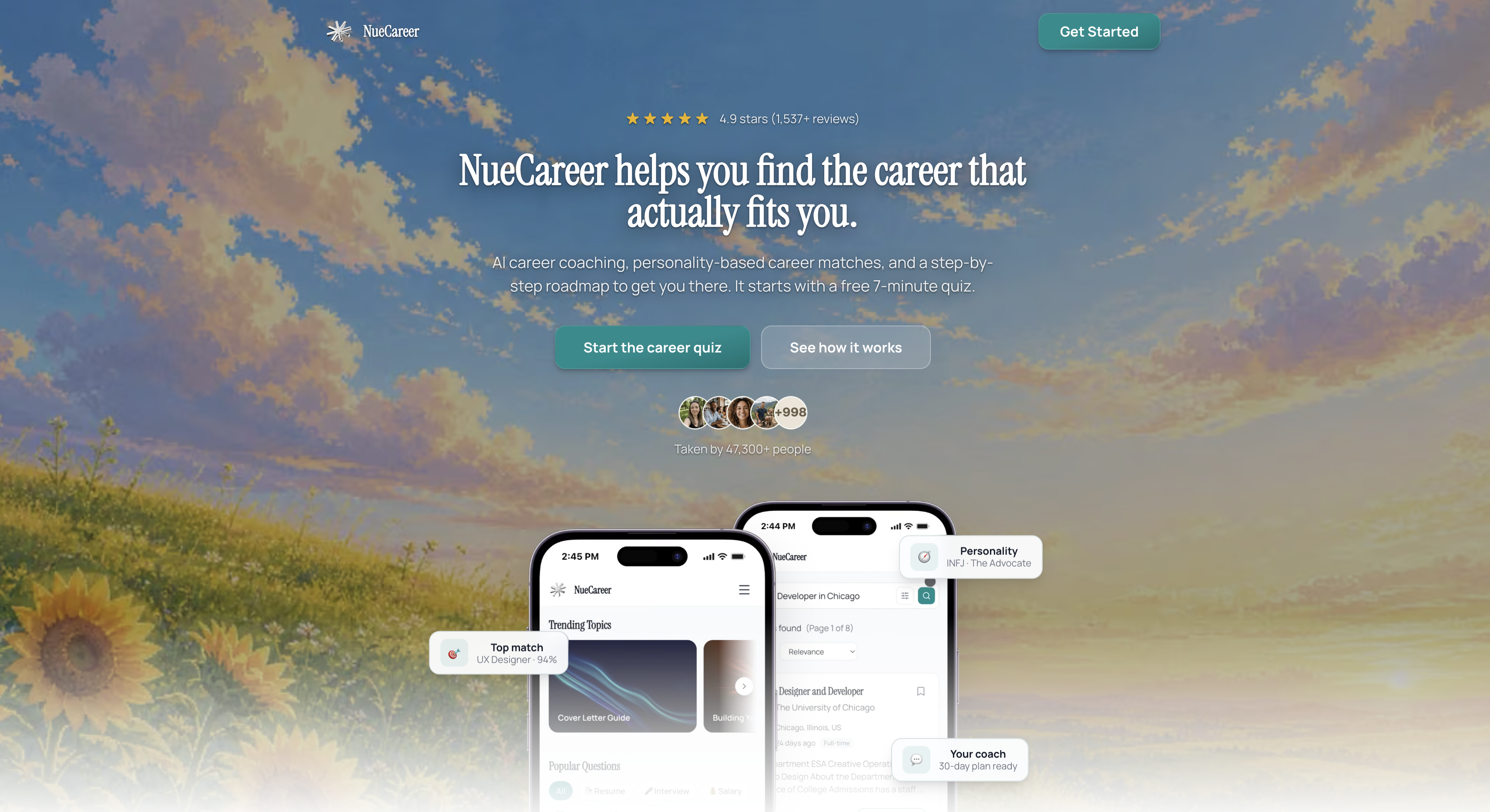
- Start with the 7-Minute Career Quiz to identify or confirm the role you're targeting before you harvest keywords.
- Run your draft through the free ATS Resume Checker to see how well your keyword choices actually parse.
- Explore the full toolkit, including cover letter and mock interview tools, free to start, with a subscription available for ongoing coaching and personalized roadmaps.
Both tools are free to use as a starting point, and they plug directly into the workflow covered in this guide, no separate research required.
FAQ
What are the best keywords for a resume?
The best keywords are the exact skills, tools, certifications, and job titles pulled directly from the posting you're applying to, not a generic list. CareerOneStop recommends identifying up to 10 of the most important terms from each posting to guide your edits.
What are good words to use on a resume?
Strong resumes lead bullets with specific action verbs like "achieved," "designed," or "managed," paired with a skill and a measurable outcome. UCLA's active verb list and Yale's categorized verb guide both organize useful verbs by function, including achievement, analysis, and leadership.
What are some resume buzzwords to avoid?
Vague phrases like "team player," "go-getter," or "results-oriented" are weak because they describe a trait instead of an accomplishment. Replace them with a specific action and outcome, such as naming the tool you used and what changed because of your work.
What are the 5 P's of a resume?
There's no single, widely recognized "5 P's" framework for resumes in career center or workforce development guidance. If you've seen the term used elsewhere, it likely refers to a specific program's shorthand rather than an industry standard, so it's worth asking where the framework originated before relying on it.
Sources
- Active verb list for resumes | UCLA Career Development
- Resume action verbs | Yale Office of Career Strategy