

The best ChatGPT resume prompts do three things: they give the AI your real experience, they name the exact job you want, and they tell it not to invent anything. Below you will find prompts you can paste today for your resume, your cover letter and interview practice, along with the checks to run before anything goes out under your name. If you are changing careers, there is a section just for you.
TL;DR
- Context beats cleverness. Give ChatGPT your work history, the target job description and your real numbers before you ask for anything.
- Add a guardrail to every prompt. Tell it to use only the facts you supplied and to flag anything it would have to guess.
- Use it as an editor, not an author. Ask for reviews, questions and options, then choose and verify the final wording yourself.
- Career changers should start with transferable skills. Map your past work to the new role's language before rewriting a single bullet.
- Practice interviews one question at a time. Convert your experiences into STAR stories and ask for scored feedback.
Table of Contents
- What to Give ChatGPT Before You Ask for Anything
- Resume Prompts That Work (Copy and Adapt)
- If You Are Changing Careers
- Cover Letter Prompts That Do Not Sound Generic
- What to Check Before You Submit
- Interview Prep Checklist and Prompts
- Our Perspective on Using AI for Applications
- Put Your Prompts to Work With a Clear Target
- FAQ
- Sources
What to Give ChatGPT Before You Ask for Anything
If you have ever pasted "write me a resume" into a chat window and gotten something bland, you are not alone. A one-line request produces a generic answer because the model has nothing specific to work with. The fix is to build context first.
Before your first prompt, gather these five things in one document:
- Your current resume or a rough work history. Rough is fine. Dates, employers, titles and what you did.
- The full job description for the role you are targeting, not just the title.
- Your real numbers. Team size, budget, volume, time saved, revenue, customers served, error rates. Even estimates labeled as estimates help.
- Constraints and decisions. What was hard, what you chose and why, and what happened as a result.
- Your goal. A new job in the same field, a promotion, or a full career change.
This matters because strong bullets show impact and judgment, not just a list of tasks. OpenAI's own job search playbook recommends including scope, constraints, decisions and outcomes in your bullets, and keeping technical details accurate. ChatGPT cannot supply those details. Only you can.
A quick privacy habit: leave out your home address, phone number, Social Security number and anything confidential about a current or past employer. A resume prompt does not need them. You can add contact details in your own document at the end.
A starter prompt that sets the rules
Open a new chat and paste this first, then add your materials:
You are an experienced resume editor helping me apply for the role in the job description below. Use only the facts I give you. Do not invent employers, titles, dates, tools, certifications or numbers. If a bullet would be stronger with a metric I have not given you, ask me for it instead of guessing. Keep a plain, professional tone and avoid buzzwords. Wait for my materials before you respond.
That last sentence matters. It stops the model from producing a draft before it has read everything, and the "ask me instead of guessing" line is your best protection against made-up achievements.
Resume Prompts That Work (Copy and Adapt)
Once the context is loaded, work in small steps. One-shot requests tend to return generic text, while a sequence of focused prompts lets you steer.
1. Analyze the job description
Read the job description. List the 10 most important requirements and keywords, ranked by how often or how strongly they appear. Then compare them with my resume and show which ones I clearly demonstrate, which I only partly show, and which are missing.
OpenAI's playbook notes that ChatGPT can analyze job descriptions and flag generic or unverifiable content. Treat the "missing" list carefully. If you have the experience but did not write it down, add it. If you do not have it, leave it out.
2. Rewrite one bullet at a time
Here is a bullet from my current resume: [paste]. Here is the context behind it: [team size, what I decided, what changed afterward]. Give me three versions that start with a strong verb, include the scope and the result, and stay under two lines. Do not add any fact that is not in my context.
If you want a verb list to scan while you edit, our resume action verbs by category page has 180 of them. For worked examples of what a proven result looks like on the page, see these resume accomplishments examples.
3. Write a summary that sounds like you
Using only my resume and the job description, write three options for a 3-sentence professional summary. One should lead with years of experience, one with a specific achievement, and one with my strongest skill. Avoid phrases like "results-driven" and "team player."
If you want to compare the output against human-written models, browse these resume summary examples.
4. Audit for generic or unverifiable lines
Review my resume as a skeptical hiring manager. Highlight every line that is vague, could apply to anyone, or makes a claim a reader could not verify. For each one, ask me the question that would make it specific.
This is the most underrated prompt on the list. It turns ChatGPT from a writer into a critic, which is where it is least likely to put words in your mouth.
5. Check structure and length
Suggest how to order the sections of my resume for this target role. Tell me which roles deserve the most space, which can be condensed to one line, and what to cut to fit one page. Do not rewrite content yet.
6. Tailor without rewriting your history
Based on the job description, tell me which three of my existing bullets to move higher, and which two could be reworded to use the employer's language. Show me the original and the proposed change side by side.
Side-by-side output makes your review faster, because you can see exactly what changed. If you want a full workflow with timing, our guide to resume tailoring with AI and human checks walks through a 20 to 40 minute process.
If You Are Changing Careers

Career changers have a different challenge. Your resume does not look like the job description, so a straight rewrite can feel like stretching the truth. The better approach is translation, not exaggeration.
Prompt for transferable skills:
I am moving from [current field] to [target role]. Here is my work history and the target job description. Identify skills and responsibilities from my past roles that match what this job requires, even if they used different words. For each match, show the original line, the matching requirement, and a truthful way to phrase it in the language of the new field. Flag any requirement I have no evidence for.
Prompt for gaps:
List the gaps between my background and this role. For each gap, suggest one small, realistic project or course that would give me honest evidence to put on a resume within 60 days.
The second prompt is a bridge to proof. Hiring teams respond to evidence, so if your gap is real, building something small is better than disguising it. Our article on changing careers without experience shows how to build that proof with projects. If you are not yet sure which role to target, take the free career quiz first, because a clear target makes every prompt above sharper.
Cover Letter Prompts That Do Not Sound Generic
Generic cover letters usually come from generic inputs. Give ChatGPT your resume, the job description and a few details only you know. The advice from Coursera's guide to cover letters with ChatGPT is consistent with this: supply your resume and the posting, add a specific accomplishment with a figure you have calculated, and review the result for authenticity and accuracy.
Step 1: Find your angle
Based on my resume and this job description, suggest three possible angles for a cover letter. For each, give me one sentence on why a hiring manager might care. Do not write the letter yet.
Step 2: Draft from your own story
Write a 250-word cover letter using angle #2. Here is a short story from my work that I want to appear in it: [2 to 3 sentences, in your own words]. Use my voice from the sample below. Do not use stock phrases such as "I am writing to express my interest" or "I am a passionate professional." Do not add any accomplishment I have not listed.
Paste a paragraph from an email or a past letter you wrote as a voice sample. This is the simplest way to avoid a letter that reads as if it came from a template.
Step 3: Make it specific to the company
Here is what I know about the company and why I want to work there: [your notes]. Suggest where to weave one or two of these into the letter. If my notes are too general, tell me what to research.
Notice that you supply the research. If you ask a chatbot to describe a company from memory, you risk inaccurate details in a letter that someone will read closely.
Step 4: Cut the fluff
Edit this draft to remove filler, repeated ideas and clichés. Keep every fact. Show the cut words so I can see what changed.
If you would rather generate a first draft inside a tool built for job seekers, our Cover Letter Generator is one option among the free tools.
What to Check Before You Submit
AI output reads smoothly, which is exactly why errors slip through. Before you upload anything, run this checklist.
- Every fact is yours. Check employers, titles, dates, tools, certifications and every number against your own records.
- Every number can be explained. If an interviewer asks how you got 30 percent, you should be able to answer in one sentence.
- Nothing sounds like someone else. Read it aloud. If a line feels unlike how you talk about your work, rewrite it.
- Skills are real. Do not list a tool you could not discuss for two minutes.
- Formatting survives parsing. Simple layouts with standard headings tend to work best in applicant tracking systems. Our guide on what makes a resume ATS-friendly covers this, and the free ATS resume checker lets you test your file.
- Spelling, names and addresses. Confirm the hiring manager's name and the company name are spelled correctly.
A second pass also helps. Ask ChatGPT in a fresh chat to find any claim in the final draft that is not supported by your original resume. Comparing the two is a quick way to catch drift. For a wider look at building a habit of reviewing machine-written text before it goes out, these notes on AI drafting workflows for busy professionals apply just as well to application materials.
Interview Prep Checklist and Prompts

Your resume gets you the conversation. Practice gets you through it. The OpenAI playbook suggests asking ChatGPT to run a mock recruiter screen, ask follow-ups and score your answers on clarity, concision and evidence of impact, and to convert your experiences into STAR stories (situation, task, action, result).
A simple preparation plan
- Day 1: Decode the role. Ask ChatGPT to turn the job description into the 8 questions you are most likely to hear.
- Day 2: Build 5 STAR stories. Cover a win, a failure, a conflict, a time you led, and a time you learned something fast.
- Day 3: Practice aloud. Answer one question at a time and ask for scoring.
- Day 4: Prepare your questions. Draft three thoughtful questions for the interviewer about the team and the first 90 days.
- Day 5: Do a full mock screen. Then rest. Confirm logistics, time zone and links.
Prompts to use
Act as a recruiter doing a 20-minute phone screen for [role]. Ask me one question at a time and wait for my answer. After each answer, give a score from 1 to 5 for clarity, concision and evidence of impact, and one suggestion. Then ask a follow-up question.
Turn this experience into a STAR story under 90 seconds when spoken. Keep my facts exactly. Ask me for any missing result or number.
For guided practice, our Mock Interview Practice tool is built for this.
Our Perspective on Using AI for Applications
We built NueCareer because we kept meeting working adults who had plenty of ability and no clear direction. For them, the problem is rarely wording. It is knowing which role to aim at.
That is why we think prompts are the second step, not the first. A resume prompt can only sharpen a target you have already chosen. If you are unsure which careers fit your strengths, even the best prompt will polish the wrong document. Our 7-minute quiz is designed to match you to career paths built around who you are, including some you may not have considered, and everything after that, from roadmaps to resume and cover letter tools, is tailored to those target roles.
We also believe AI should support your judgment, not replace it. Use it to ask better questions of your own history, to see your experience from a hiring manager's side, and to practice out loud. Then make the final calls yourself. That is how you apply with confidence, and it is the approach we have designed our tools around.
Shane
Put Your Prompts to Work With a Clear Target
If you are tired of rewriting your resume for roles you are not sure about, start with direction. The 7-minute NueCareer quiz identifies your strengths and matches you to career paths, then the platform gives you a personalized roadmap, 24/7 coaching chat, tailored job boards, and resume and cover letter tools for your target roles.
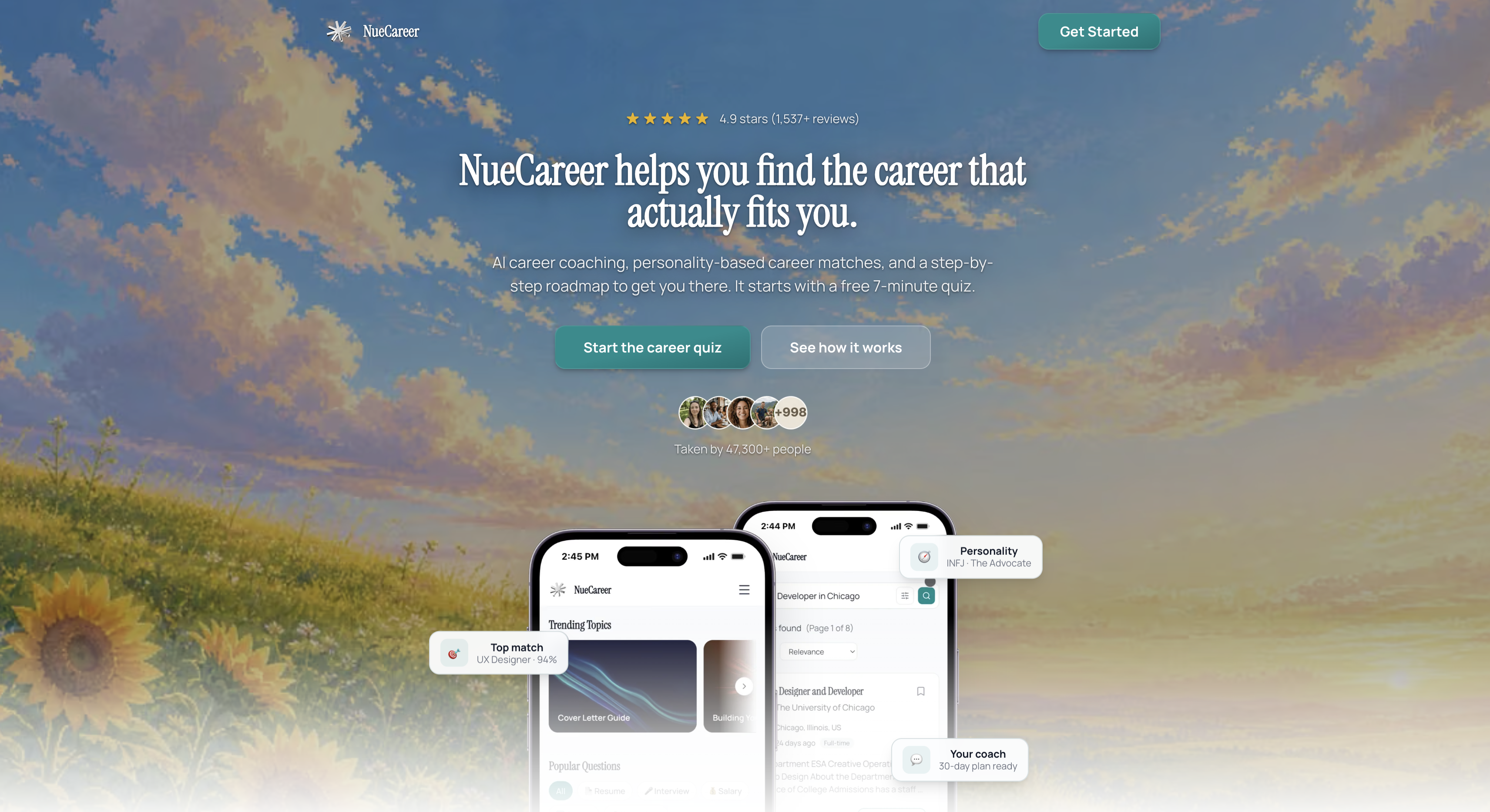
You can also explore the full set of NueCareer tools, including the ATS Resume Checker, Cover Letter Generator and Salary Negotiation Email, or see everything the platform offers on our home page.
FAQ
What is the best ChatGPT prompt for a resume?
There is no single best prompt, but the strongest ones share a pattern: your real work history, the full job description, a clear task, and a rule to use only the facts you provide. Start with the guardrail prompt above, then work bullet by bullet. Asking ChatGPT to question you about missing numbers usually beats asking it to write from scratch.
Can ChatGPT write my whole resume?
It can produce a draft, but you will get better results using it as an editor. Give it your experience, ask for options, and review each line against your own records. You are the one who has to explain every claim in an interview.
How do I stop ChatGPT from making things up on my resume?
Tell it in every prompt to use only the facts you supplied and to ask you when information is missing. Then compare the final draft against your original resume, line by line. In a new chat, you can also ask it to flag any claim not supported by your source material.
Can I use the same prompts for a cover letter?
Mostly yes, with two changes. Add a short voice sample from your own writing, and include one specific story only you can tell. Those two inputs do the most to keep a cover letter from sounding generic.
How should I use ChatGPT to prepare for an interview?
Ask it to act as a recruiter, ask one question at a time and score your answers on clarity, concision and evidence of impact. Convert your best experiences into STAR stories first, so you have material to draw on. Repeat short sessions over several days rather than one long one.